Batch processing
Paste a group of video URLs instead of returning to the web page for each one.
 DESKTOP BACKUP FOR TOUGH LINKS
Some xHamster links are removed, protected, or too complex for a browser-only downloader. VidCat moves the work to your desktop and adds batch, playlist, and conversion tools.
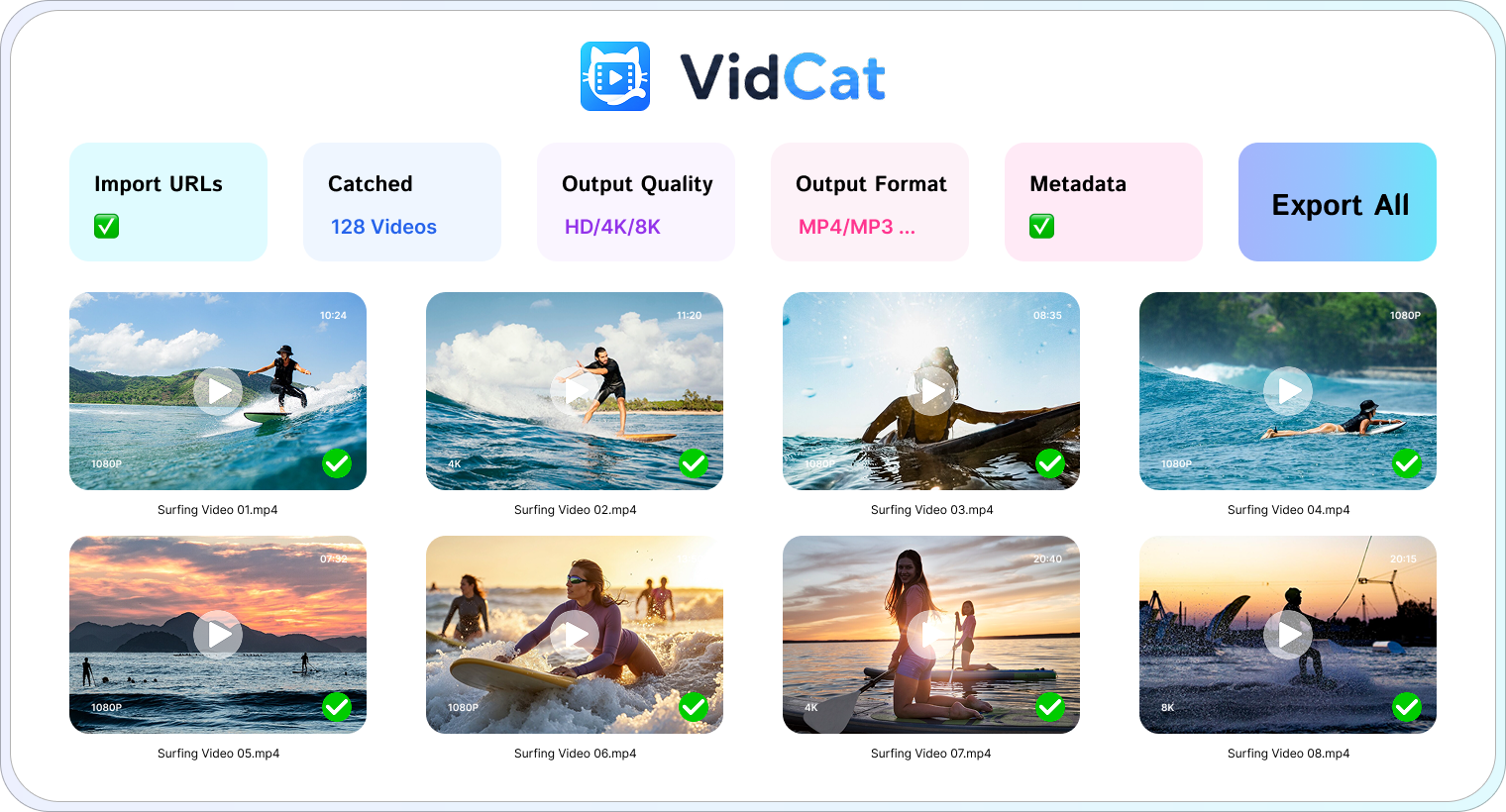
VidCat is useful when a page requires a desktop workflow or when you want to process many videos together.
Get VidCat free ↓Paste a group of video URLs instead of returning to the web page for each one.
Let VidCat enumerate a playlist and select the items you want.
Preserve the best quality offered by the source, including HD, 4K, and 8K.
Export video or audio in common formats such as MP4, MOV, and MP3.
Keep titles, thumbnails, and subtitles where the source provides them.
Pause, resume, and organize downloads in a dedicated workspace.
Download the Windows or macOS installer and open the app.
Paste one xHamster URL or a batch of links.
Select the quality and format you want.
Save the finished files to your chosen folder.
Use VidCat only for content you have permission to download.
VidCat supports modern Windows and macOS computers.
The free trial lets you test the desktop workflow before buying a license.