批量處理
貼上一組視訊網址,而不是每次都回到網頁查看。
 適用於複雜連結的桌面備份
Some xHamster links are removed, protected, or too complex for a browser-only downloader. VidCat moves the work to your desktop and adds batch, playlist, and conversion tools.
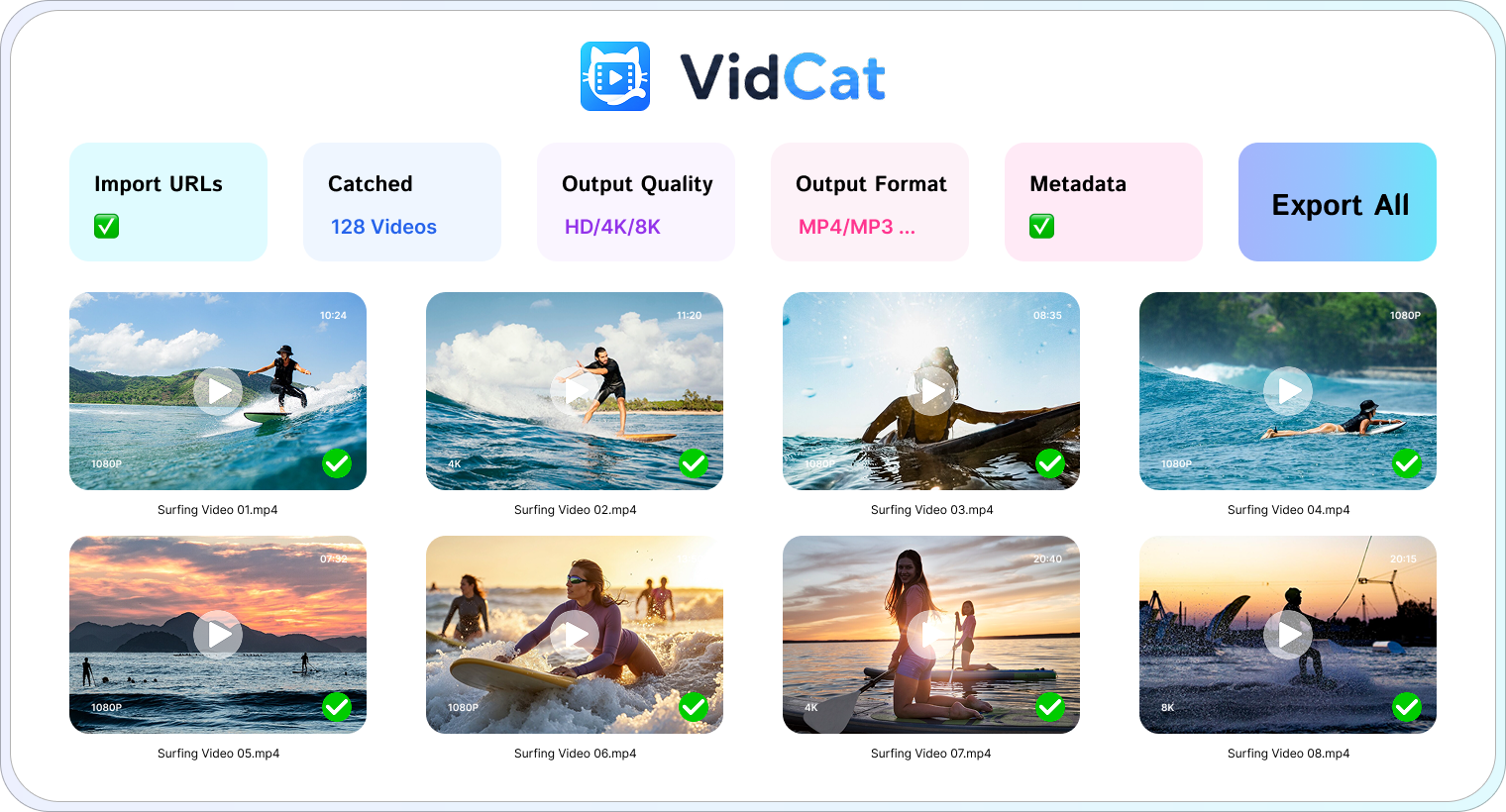
VidCat is useful when a page requires a desktop workflow or when you want to process many videos together.
Get VidCat free ↓貼上一組視訊網址,而不是每次都回到網頁查看。
Let VidCat enumerate a playlist and select the items you want.
保留原始檔案提供的最佳畫質,包括高清、4K 和 8K。
匯出影片或音訊為常見格式,例如 MP4、MOV 和 MP3。
保留來源提供的標題、縮圖和字幕。
在專用工作區暫停、恢復和整理下載。
下載 Windows 或 macOS 安裝程式並開啟應用程式。
貼上一個 xHamster 網址或一批連結。
選擇您需要的品質和格式。
將完成的文件儲存到您選擇的資料夾。
Use VidCat only for content you have permission to download.
免費試用版可讓您在購買授權之前測試桌面工作流程。